



Betnella Mobile
The Betnella app makes playing on the go actually easy. We developed the app so our clients can enjoy playing from their phones, no matter where they are. The platform provides a first-class gaming experience right at your fingertips. All the casino features are available in the mobile version for quick access.



Benefits and Features of the Bet Nella Application
We wanted the Betnella Casino for mobile to have everything the website does—same benefits, just packed into something you can actually take with you. The big plus is portability, so you can play anywhere. The Betnella app works as a web-based solution with a fast launch. Users can easily log in to the system with just a couple of clicks. You can also add an extra layer of security on mobile—set up a password, Face ID, or fingerprint to open the app.
One more feature of the mobile software is our own “no keyboard” mechanic, so you can adapt settings and launch games without tapping through menus. With our web app, you’ll get notifications about important events like tournaments and new game drops. It’s just things you probably don’t want to miss. We keep you updated without having to check the site every five minutes.
| Benefit | Description |
| Touch Controls | Buttons and menus sized for comfortable navigation |
| Optimized Mobile Design | Clean layout with no zooming or side-scrolling |
| Push Notifications | Updates on promotions and events in real-time |
| Faster Loading | Optimized performance to play on the go |
| Access | Available anywhere |
| Storage space | A lightweight application that doesn’t take up much of your storage space. |
Betnella Web App for Windows and Mac
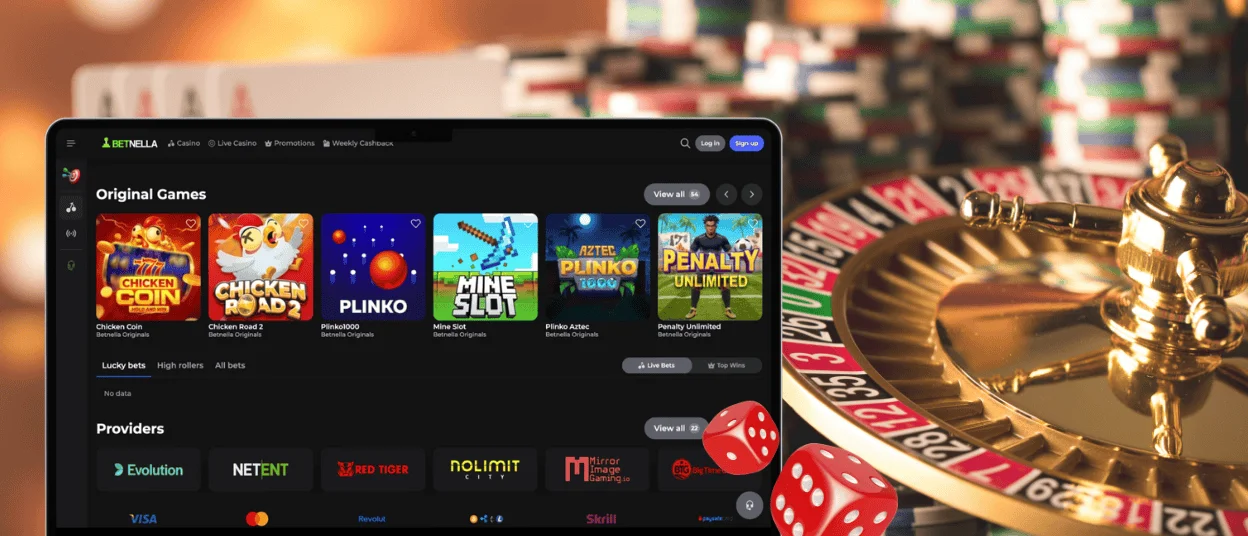
Our app works perfectly on Windows and macOS, and as with mobile, you can install it right from the Bet Nella Casino website. Both Windows and Mac users can quickly access the mobile casino without a lengthy installation process.
The desktop version works in supported browsers and provides full functionality. It is also possible to create a shortcut for faster access. It supports push notifications, so you never miss out on deals or special events. Our app works noticeably faster than the web version and, just like on mobile devices, supports full-screen mode.
With the Betnella Casino PC application, players get the same convenient experience as on a mobile device or in a browser, but with the advantages of a larger screen.
Betnella Android App
Betnella Casino for Android is a modern, progressive web app (PWA). It is a mobile solution that works smoothly on different screen sizes and systems. All features work the same as in the desktop version.
You can install the Bet Nella app straight from our website, so there is no need to look for our app in the Play Store or somewhere else. PWA is fast and easily integrates with your phone. This saves space and keeps the system clean. On Androids, you need to click on the three dots in the top right corner of the webpage and also scroll down until you find “Add to home screen”. You get stable performance and quick access every time you open the app.
Play on the Go with iPhones and iPads
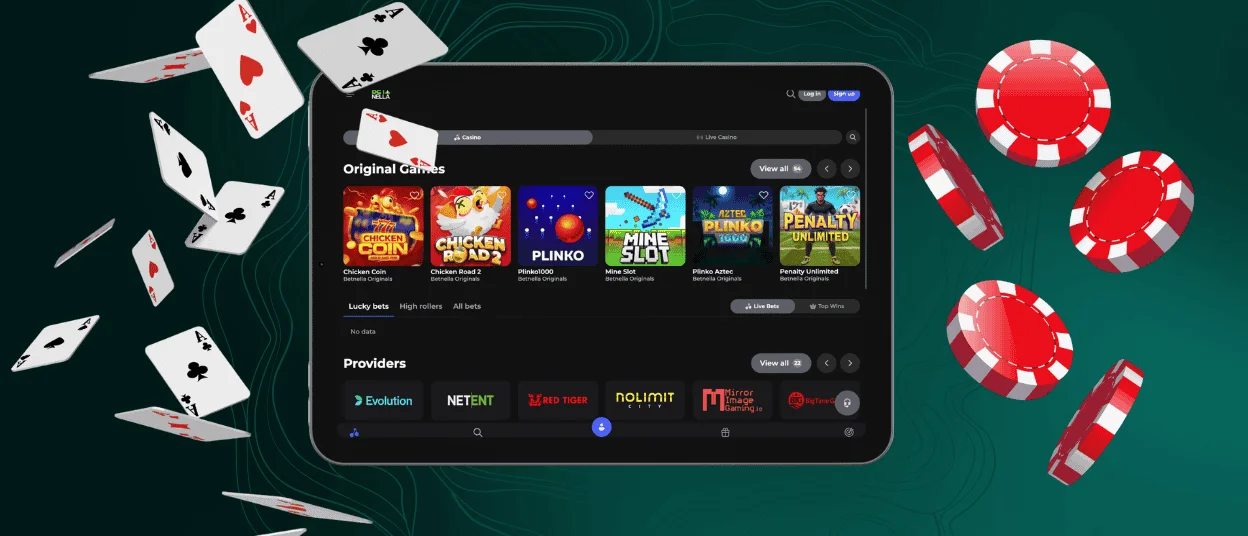
Our mobile solution is perfectly optimized for iPhone and iPad. You can access the Betnella app through the Safari browser without using the App Store. Players can easily create a shortcut from our website to their home screen. This method ensures faster loading of all games and the platform itself. You will see a special icon on your home screen with quick access to your favorite casino games. Installing the application for iOS is simple:
- First of all, you need to open Betnella Casino in your Safari browser.
- Next, you should click the “Share” button at the bottom of the screen.
- If you scroll down the menu, you’ll see “Add to home screen.”
- Then you are supposed to tap “Add” and complete the shortcut.
What You Can Do in the App
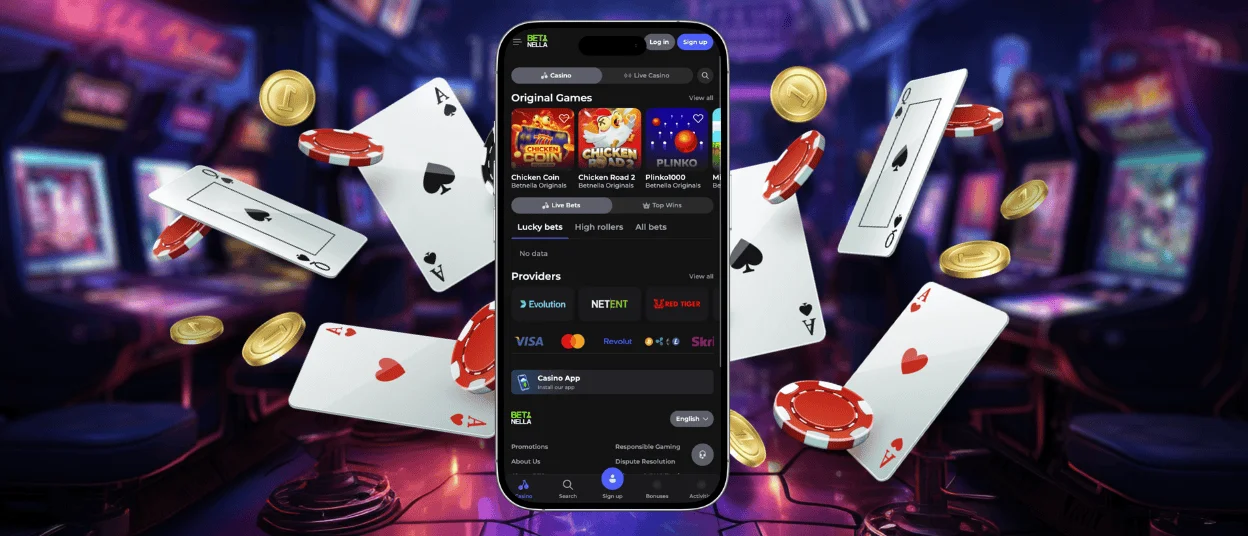
Our solution gives you full access to the casino on any device. It works as a progressive web app, so you do not need to install heavy software or worry about compatibility. The interface matches the Betnella Casino desktop version, which makes navigation simple for both new and regular players. You can switch between devices without losing access to your account, games, or promotions. Also, the app updates automatically without manual control. You are always using the latest version.
In the Betnella app, you can:
- Play all available casino games, including online slots, live casino, table games, and instant win titles
- Claim bonuses and take part in tournaments
- Make deposits and request withdrawals
- Update your profile and account settings
- Complete the verification process
- Use responsible gaming tools and limits
- Save games to your favorites list
- Contact the support team through live chat
- Receive notifications about promotions and new offers
The application adapts to different screen sizes and supports the same gaming experience as the Betnella Casino website.
FAQ
Is the Betnella application free to download?
Yes, it is totally free. No hidden fees for downloading, installing, or opening the PWA—whether you’re on a phone, tablet, or computer. You can browse games, explore the platform, and use your account without spending on the app itself. Most of the games have a demo mode and are available to play for free.
Will the software drain my phone battery quickly?
Our mobile solution uses less battery power compared to traditional casino apps. The Betnella app runs light since it works straight through your browser. It’s not always running in the background or consuming system resources because it is right in your browser.
How do I fix loading or connection issues in the app?
If the Bet Nella app is loading slowly or isn’t opening at all, the first thing is to check your internet connection. If you are still stuck, try refreshing the page, restarting your browser, or clearing the cache. Logging out and back in might also help. If none of that works, just contact our support team via live chat or email.
How can I update the app?
The Betnella PWA updates automatically every time you open it in your browser. You do not need to download additional files or install new versions manually. All platform improvements, bug fixes, and new features are added directly to the system, so the latest version is always available instantly.


